
Just Released: Affinity for iPad
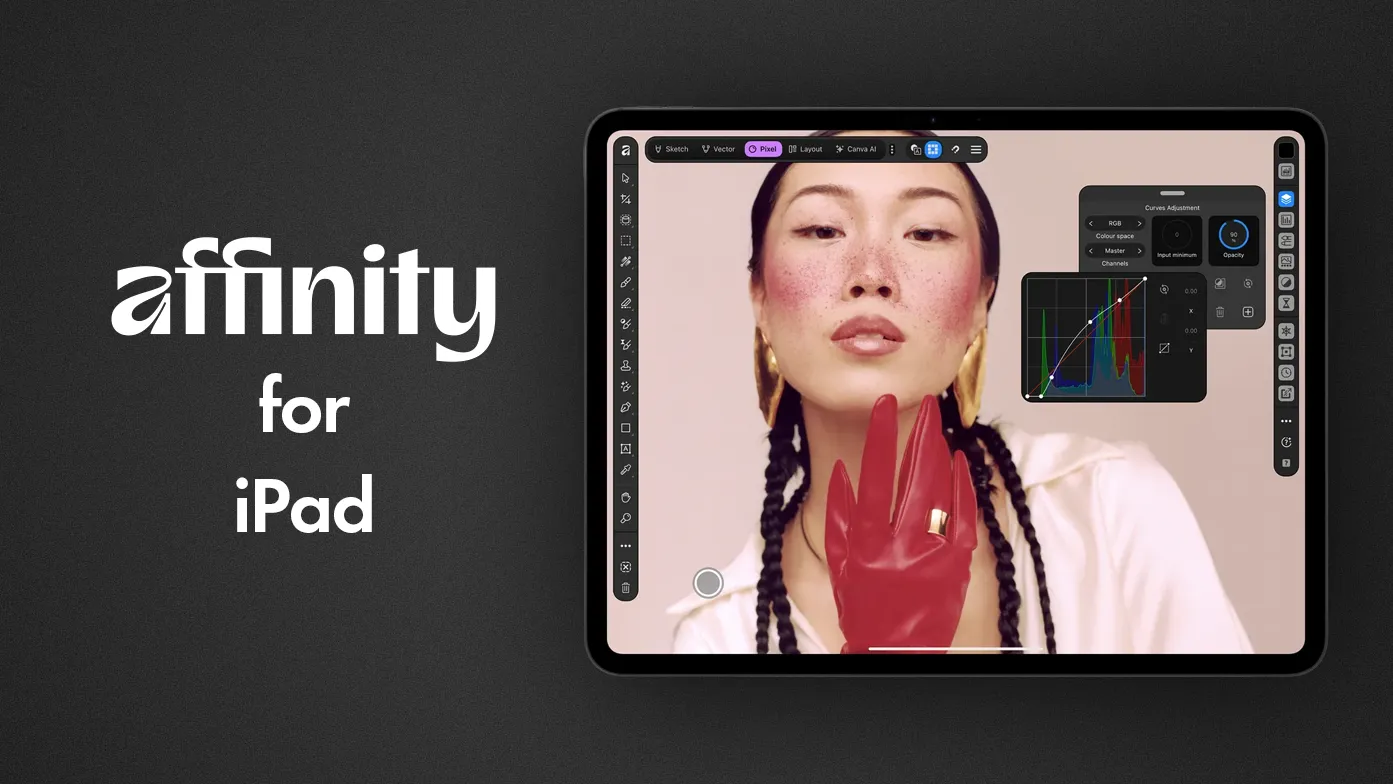
Affinity for iPad is Canva’s new all-in-one Affinity app for the iPad, launched on November 2, 2026. Like the all-in-one Affinity Desktop app, Affinity for iPad features Photo editing, RAW development, vector design, page layout and a new sketching studio. They all share one app, and one file format; and the core tools are free for individuals. Get Affinity for iPad at the App Store, or read more about it.
When Affinity went free on the desktop a year ago, the iPad version was “coming soon”. Well, it’s here now. This article skips the design and illustration features and looks at what matters if you’re a photographer or image editor: what you get, what isn’t there just yet, and the AI tool usage limits/or abilities.
What Is Affinity for iPad?
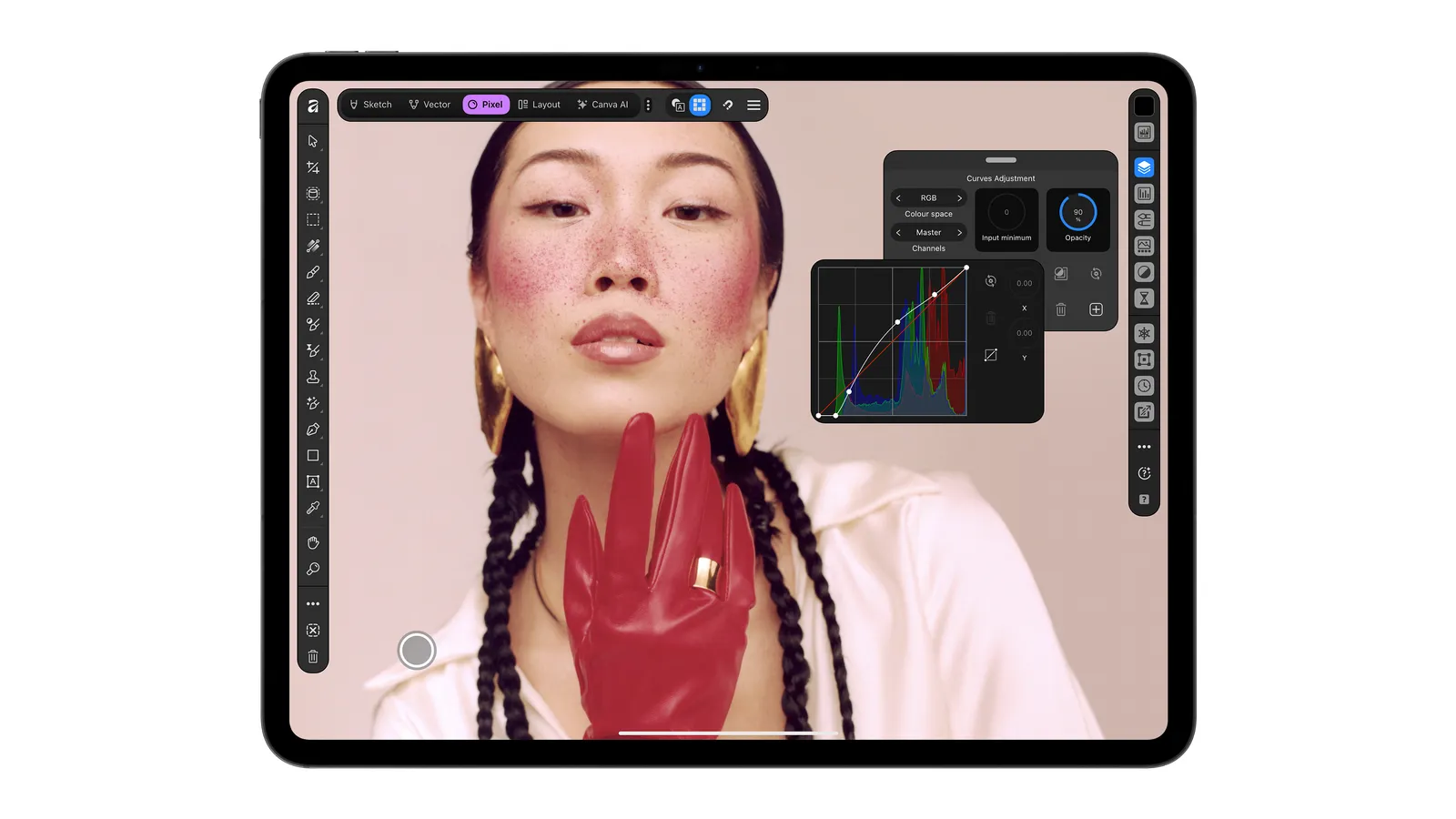
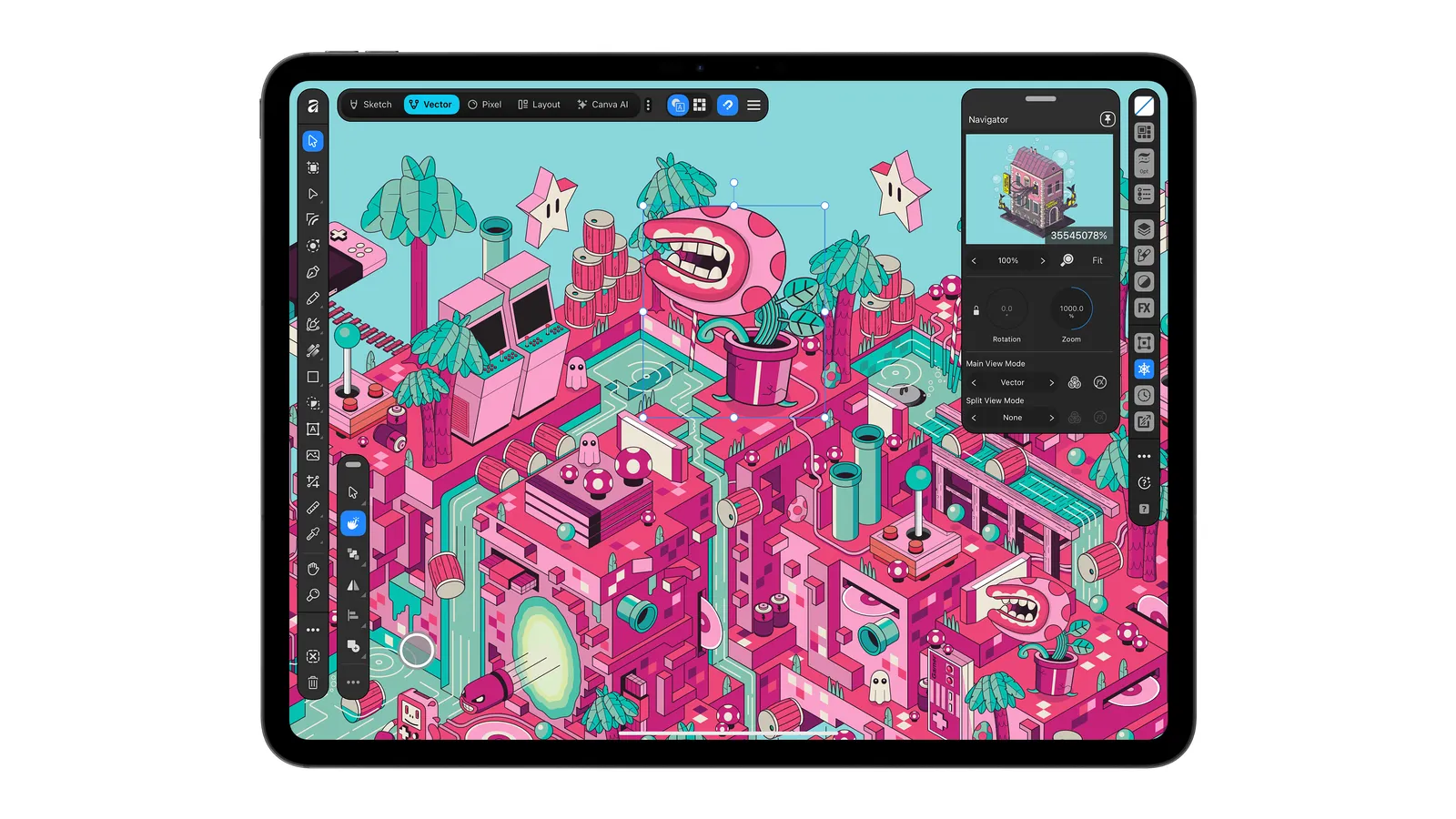
It’s the iPad edition of the single Affinity app that replaced Affinity Photo, Designer and Publisher on the Mac and Windows. Instead of three separate iPad apps, you now get one app with four studios: Pixel (photo editing), Vector, Layout, and Sketch.
The Sketch Studio is new and iPad-only. It’s built around the Apple Pencil, and Canva says it supports the Pencil Pro’s pressure, tilt, barrel roll, squeeze and hover. For photographers, the more interesting part is that it’s all one file. Any project saved as a .af file opens both on the iPad, and on the desktop. So, you can start an edit on location and finish it at your desk - if that’s how you work.
Affinity has been on the iPad for a long time. Affinity Photo for iPad was Apple’s iPad App of the Year in 2017, and it was one of the first apps to show that serious photo editing could happen on a tablet. The new app builds on that.
What Photographers Get
According to Affinity, the photo side of the iPad app works “to the same standard as desktop”. That covers:
- RAW development. You can open and fine-tune RAW files, not only JPEGs. If you’re wondering what that involves, our guide on whether Affinity can open RAW files explains the basics.
- Non-destructive editing. Adjustments, masks and retouching stay editable, and your original file is never changed.
- Selections and masking. Canva highlights a touch-first Mask Tool that follows an edge as you trace it with the Pencil. Hair, fur and foliage are the examples it gives.
- Retouching and composites, with layers, live filters and effects.
- Layout for photo books and portfolios. Multi-page documents with master pages and grids, exported to a print-ready PDF.
Files: Input and Output
The iPad app opens PSD, AI, INDD, IDML, PDF, and SVG files. Layered PSDs keep their masks (we have tested this in previous versions), groups, and adjustments in most cases. However, smart objects and advanced filters may be flattened.
It exports JPEG, PNG, WebP, PDF, SVG, EPUB and INDD, with control over compression and colour profiles. If you’re moving between Affinity and Photoshop, see how to convert Affinity files to PSD.
What’s Missing at Launch
This is the part the launch announcement leaves out. Affinity’s own FAQ lists the desktop features that aren’t in the iPad app yet:
- Batch processing
- Quick Adjustments
- The Info and Scope panels
- Macro recording
- The Astrophotography Studio
- Books and Data Merge
For photographers, the missing scopes, batch processing and astro stacking matter most. If you rely on a histogram-style scope to judge exposure, batch-export a shoot, or stack night-sky frames, keep doing that on the desktop for now. Affinity says these features will come to the iPad over time.
The older apps haven’t disappeared. Affinity Photo 2, Designer 2 and Publisher 2 for iPad are still listed on the App Store, each now pointing to the new app. Designer 2 was last updated in September 2025, so don’t expect new features in the old apps.
Is Affinity for iPad Really Free?
Yes, for individuals. Every tool in the Sketch, Pixel, Vector and Layout studios is free, along with all the export options. You need a free Canva account to sign in, as you do on the desktop. We covered how the free model works when Canva made the switch.
The Catch With the AI Tools
The AI features live in the “Canva AI Studio” inside the app, and they come with two conditions:
- You need a Canva premium plan (Pro, Business, Enterprise or Education). The free account doesn’t include them.
- You need an iPad with an M-series chip. Affinity’s system requirements say the machine-learning tools need one. A base iPad or an iPad mini won’t run them, even with a premium plan.
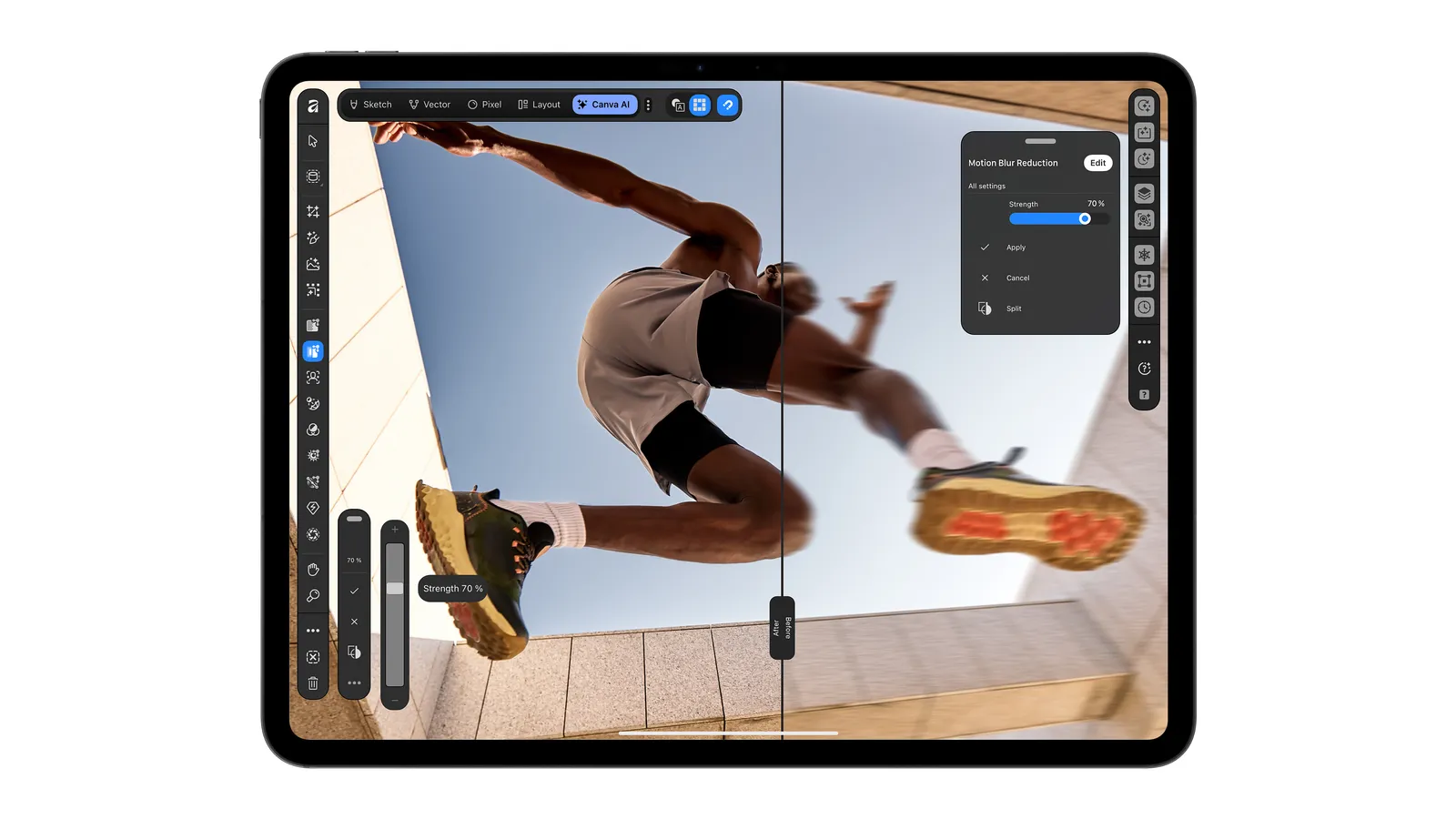
Canva lists noise reduction, motion-blur correction, upscaling, Generative Expand (extending an image to a new shape) and Decompose Layer (splitting a flat image into editable layers). Noise reduction is the one most photographers will want, but for the most part, you don’t really need the AI tools - even if you want to get some serious work done!
Will It Run on My iPad?
“Affinity for iPad” needs iPadOS 18 or later and supports:
- iPad: 7th to 10th generation, and iPad (A16)
- iPad mini: 5th and 6th generation, and iPad mini (A17 Pro)
- iPad Air: 3rd to 5th generation, and the 11-inch and 13-inch M2, M3 and M4 models
- iPad Pro 11-inch: 1st to 4th generation, plus M4 and M5
- iPad Pro 12.9-inch: 3rd to 6th generation
- iPad Pro 13-inch: M4 and M5
The App is 1.9 GB in size, so that’s the minimum available space that you need, plus the files that you will create on the device. Large RAW files and documents with many layers will be noticeably faster on newer iPads, and only the M-series models run the AI tools. The desktop system requirements are in our Affinity system requirements article.
The app is out in the US and other App Stores. Canva says rollout timings vary by region, so search the App Store for “Affinity by Canva” if you can’t find it.
Frequently Asked Questions About Affinity for iPad
Is Affinity for iPad free?
Yes. Individuals can use all the photo, vector, layout and sketching tools, and every export option, without paying. You need a free Canva account to sign in. Only the AI tools need a paid Canva plan, and the app is VERY usable without the AI tools.
Can Affinity for iPad edit RAW files?
Yes. The app opens and develops RAW files, and the edits are non-destructive, as on the desktop.
Do I need an Apple Pencil?
No. The app works with touch alone. The Apple Pencil helps with precise masking and retouching, and the Sketch Studio is built around it.
What happens to Affinity Photo 2 for iPad?
It’s still on the App Store, and the listing now points to the new app. The new app is where future features will go. Affinity Photo 2 for iPad is not under active development.
Can I open my desktop Affinity files on the iPad?
Yes. The iPad and desktop apps use the same .af file format, so technically a project can move seamlessly between them. Let us know if you experience anything different in real life.
Key Takeaways
- Affinity for iPad puts photo editing, RAW development, vector, layout, and sketching in one free app.
- Your
.affiles open on both the iPad and the desktop. - Batch processing, the Scope and Info panels, Quick Adjustments, macros and the Astrophotography Studio aren’t in the iPad app yet. We don’t quite know when they will come either.
- The AI tools, including noise reduction, need a Canva premium plan and an M-series iPad.
- It needs iPadOS 18 or later, and it’s out in the US and other countries.
If you’re new to Affinity, start with everything you need to know about Affinity Photo, then see what’s new in Affinity 3.2 for photographers.
Related Posts
What's New in Affinity 3.2: What Photographers Actually Need to Know
Affinity 3.2 landed on April 16, 2026, just one month after the 3.1 update. Canva's development pace seems to have picked up since making Affinity free, and this release is the most substantial one yet for photographers…

Affinity is Free - How It Works!
Ever since the initial Affinity launch announcement on October 30th, this question has been circulating the web. How is affinity free? And how can Canva afford to make affinity free for everyone? Well, somebody had to…

Affinity System Requirements v3.2 (2026)
Affinity System Requirements for Image, Vector, and Layout editing. We tell you what computer can you use for working in Affinity by Canva.
Affinity Is Now Forever Free, and It’s Just One App
On October 30th, Canva announced that the three Affinity Design Suite apps, Photo, Designer, and Publisher were being replaced by one single app that does it all. Most significantly, they announced that this new app…