
Adobe Plans for Photographers: Photoshop and Lightroom
Disclosure: We feature products and services we think you'll find useful. If you buy through our links, Beyond Photo Tips may earn a small commission, at no extra cost to you. As an Amazon Associate I earn from qualifying purchases. Learn more.
Adobe sells Lightroom and Photoshop in several bundles, and the names and prices change every year or two. If you’re a photographer, you only need to look at a few of them. Here’s what each one costs, which one fits the way you work, and how to avoid paying more than you need to.
Prices checked on adobe.com (US) on October 16, 2026. Adobe changes them from time to time; we update this page when it does.
The Short Answer
Most photographers should get the Photography plan. It gives you Lightroom, Lightroom Classic and Photoshop for US$19.99 a month on an annual plan, which is less than Photoshop costs on its own.
Buy the Lightroom plan only if you’re sure you’ll never need Photoshop, and look at Creative Cloud Pro only if you also edit video or design for print and the web.
And if you edit only now and then, you may not need Adobe at all. Affinity is now free - see below.
Do You Need Adobe at All?
Adobe’s apps aren’t for everyone. A subscription makes sense if you edit often, shoot a lot, or work with clients and studios that send and expect Photoshop files (or other Adobe proprietary formats). If you edit a few photos a month, it’s a lot to pay year after year, and Adobe Photoshop or Lightroom may not be the solutions for you.
Instead of Photoshop: Affinity (Free)
Since Canva took it over, Affinity has been a single free app for photo editing, design and layout; you only need a free Canva account. It has RAW processing, layers, masking, non-destructive live filters and PSD import. Only the optional Canva AI tools need a paid Canva Pro account. See how free Affinity works and what’s new in Affinity 3.2.
Instead of Lightroom
Affinity edits one image at a time and doesn’t organise a photo library, so it doesn’t replace Lightroom. These do:
- darktable (free, open source; Windows, Mac, Linux): a photo library and a full RAW editor. The closest free match to Lightroom Classic, with a steeper learning curve.
- DxO PhotoLab (one-time purchase, US$249.99): outstanding RAW quality and noise reduction (DeepPRIME).
- ON1 Photo RAW (one-time purchase, US$99.99 on sale, normally US$199.98): a catalogue, editing, layers and AI masking in one app.
- Luminar from Skylum (one-time purchase, around US$100–130 for the desktop version): quick, AI-assisted editing.
- Capture One (subscription from about US$18 a month, or a one-time Pro licence of around US$300–350): the professional choice for tethered studio work. It costs about as much as Adobe, so it’s an alternative rather than a saving, but you can own it outright with the one-time licence, if that’s something you value.
If you mostly want to save money, compare these with Adobe’s own Lightroom plan, which works out to US$9.99 a month when prepaid for the year.
Adobe’s Plans for Photographers, Compared
| Plan | What you get | Who it’s for |
|---|---|---|
| Lightroom (1TB) | Lightroom on desktop, mobile and web, plus Lightroom Classic; 1TB of cloud storage | Photographers who organise and edit, but rarely retouch |
| Photography (1TB) | Lightroom, Lightroom Classic and Photoshop on desktop and mobile; 1TB of cloud storage | Most photographers |
| Photoshop | Photoshop on its own | Retouchers and designers who don’t use Lightroom (most should still take the Photography plan, which costs less) |
| Creative Cloud Pro | 20+ apps, including Photoshop, Lightroom, Premiere and Illustrator, plus Adobe Firefly | Photographers who also make video or design work |
What Each Plan Costs (US)
Adobe sells each plan three ways. The annual plan billed monthly is the price Adobe shows first.
| Plan | Annual, billed monthly | Annual, prepaid | Month to month |
|---|---|---|---|
| Lightroom (1TB) | US$11.99/mo | US$119.88/yr | US$17.99/mo |
| Photography (1TB) | US$19.99/mo | US$239.88/yr | US$29.99/mo |
| Photoshop | US$22.99/mo | US$263.88/yr | US$34.49/mo |
| Creative Cloud Pro | US$69.99/mo | US$779.88/yr | US$104.99/mo |
Paying for the year up front works out cheaper for Lightroom (US$9.99 a month), Photoshop (US$21.99) and Creative Cloud Pro (US$64.99), but not for the Photography plan, where it’s the same US$19.99 a month with no refund after 14 days.
Prices are in US dollars, before tax. Adobe charges different prices in other countries and shows yours when you choose a plan.
You can see them all on Adobe’s Photography plans page.
Which Plan Should You Choose?
Lightroom, or Lightroom Classic?
Both are included in the Lightroom and Photography plans, so you don’t have to choose before you buy. Lightroom keeps your photos in Adobe’s cloud and syncs them across your phone, tablet and computer. Lightroom Classic keeps them on your own drives, which most photographers with large archives prefer. (If Classic feels slow, see how to make Lightroom Classic run faster.) Personally, I only use Lightroom Classic, because I have a large catalog of local files.
Do You Need Photoshop?
If you only adjust exposure, colour and crop, Lightroom covers it. You’ll want Photoshop for compositing, serious retouching, focus stacking, design and painting, and anything with layers. Because the Photography plan includes Photoshop for less than Photoshop on its own, it’s the safer choice for most people. If you’re new to it, start with our guide to learning Photoshop.
When Is Creative Cloud Pro Worth It?
Only when you use the other apps. If you shoot video and edit in Premiere, or design layouts in InDesign or Illustrator, Creative Cloud Pro brings it all together. For stills alone, it’s more than three times the price of the Photography plan.
The Catch: “Annual, Billed Monthly”
The lowest monthly price is for an annual contract that you pay monthly. It looks like a monthly subscription, but it isn’t one. Adobe’s subscription terms (US) say:
- If you cancel within 14 days of your first order, you get a full refund.
- If you cancel an annual plan billed monthly after that, Adobe charges a fee of up to half of what’s left of your year’s commitment.
- An annual prepaid plan isn’t refunded after the first 14 days.
The month-to-month option costs about 50% more (US$29.99 rather than US$19.99 for the Photography plan), but you can cancel at any time without a fee. If you only need Adobe for a project or two, it’s often the cheaper choice. Check the current terms before you buy.
Legitimate Ways to Pay Less
- Students and teachers: Adobe’s education offer gives the full Creative Cloud Pro plan for US$19.99/mo for the first year and US$39.99/mo after that (annual plan, billed monthly), if you can show you’re eligible. See the Students & Teachers plan.
- Wait for a sale: Adobe has often run offers around Black Friday and at other times of the year, mostly for new subscribers. We list them below when they’re on.
- Check with your school: some schools give Creative Cloud to their students at no cost.
- Ask whether you need Adobe at all: see above for when free Affinity is enough, and our comparison of what can replace Photoshop and Lightroom.
Current Adobe Offers
Last checked: October 16, 2026.
- Creative Cloud Pro: 50% off for the first 3 months for new subscribers (US$34.99/mo, then US$69.99/mo). See the offer on Adobe’s plans page.
We update this section when Adobe’s offers change, including Black Friday.
So, Which Adobe Plan?
For most photographers, the Photography plan is the one: Lightroom, Lightroom Classic and Photoshop for less than Photoshop alone. Choose the annual contract only if you’re sure you’ll use it all year, and keep an eye on this page around Black Friday.
Related Posts
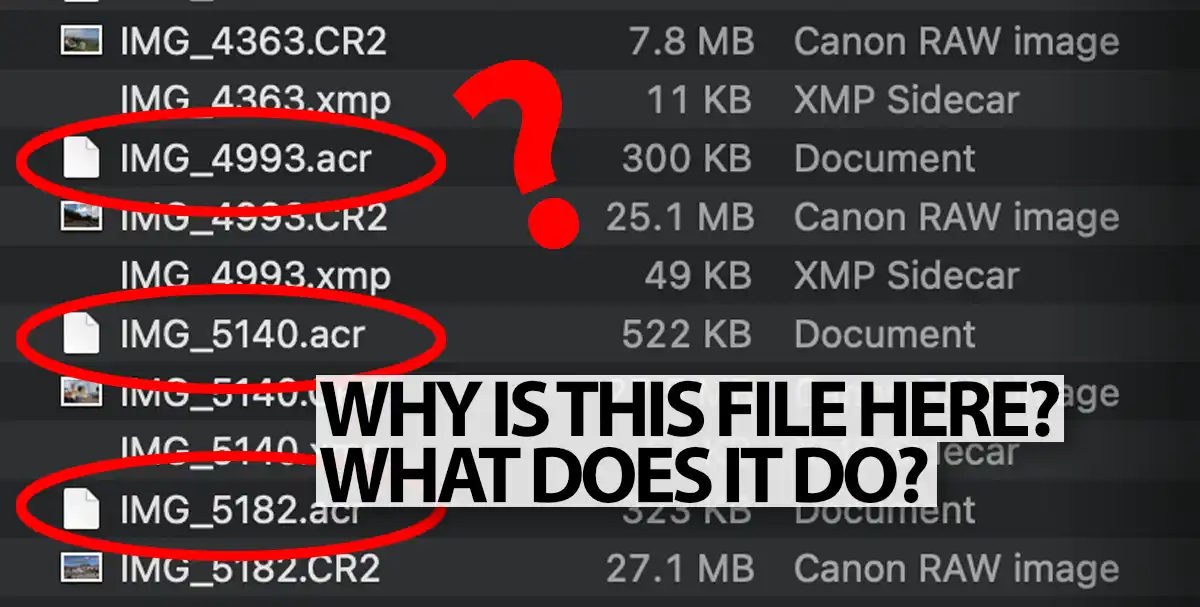
What Is “.ACR” File Format?
What is a “.acr file”? These files are generated when creating masks in Adobe Camera RAW. Should you keep .acr files, or delete them?
PSD Files Explained: A Guide for Photographers
What is a PSD file? How to edit a .psd file? Find out all the answers in this comprehensive guide to Adobe Photoshop's file format .psd.

How To Make Lightroom Classic Faster
Lightroom Classic can be slow at times. When you're making adjustments, or when previewing images, there is often a lag before the image is previewed. This is an indication that Lightroom is not working as fast as it can…
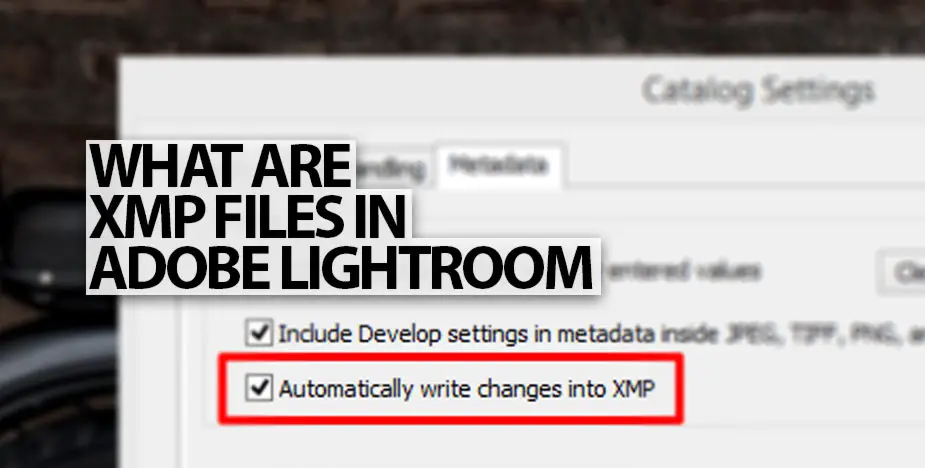
Lightroom XMP Files: Save RAW Edits Without a Catalog file
.XMP files that are saved by Adobe Camera RAW next to your RAW images can be quite useful. We look at how Lightroom Classic and ACR use XMP Sidecar Files.