
Texture in Photography: How to Light, Shoot and Edit It
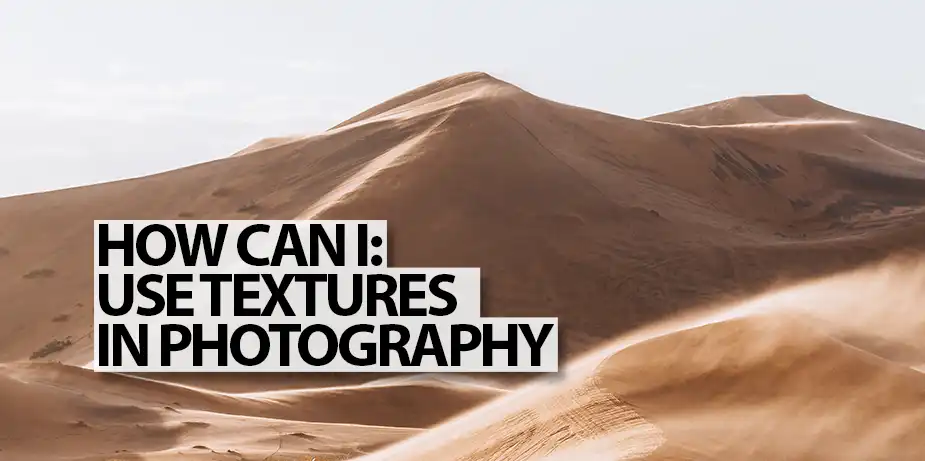
Texture in photography is how a picture shows what a surface would feel like: rough, smooth, soft, gritty, polished. A photograph is flat, so texture is an illusion, and you build it out of light and shadow. Once you understand that, you can bring texture out when you want it and tone it down when you don’t.
This guide covers what texture is, how it differs from pattern, the lighting that reveals or hides it, the lens and aperture choices that affect it, and how to control texture photography in the edit.
What Is Texture in Photography?
Texture is the visible surface quality of a subject. It comes from tiny bumps, ridges, pores and weaves. When light hits a surface at an angle, each raised part catches the light and casts a small shadow behind it. Thousands of those highlights and shadows together are what your eye reads as texture.
We know how a rock or a silk scarf feels because we have touched things like them. A photograph of texture borrows that memory, and a viewer can almost feel the surface. That’s why texture is one of the basic elements of art, alongside line, shape, form, space and colour.
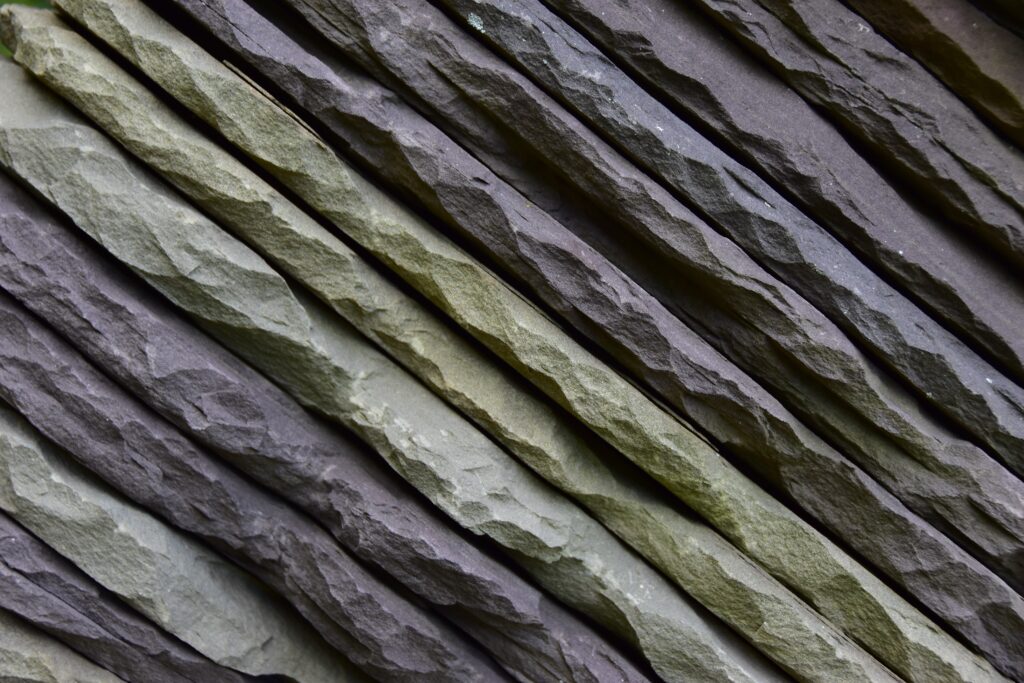
The one-line rule: texture is shadow. No shadows on the surface, no texture in the photograph.
Texture vs Pattern
The two get confused, and the difference matters when you compose:
- Texture is the surface quality: what you’d feel under your fingertips.
- Pattern is a repeated shape or line: what you’d see from across the room.
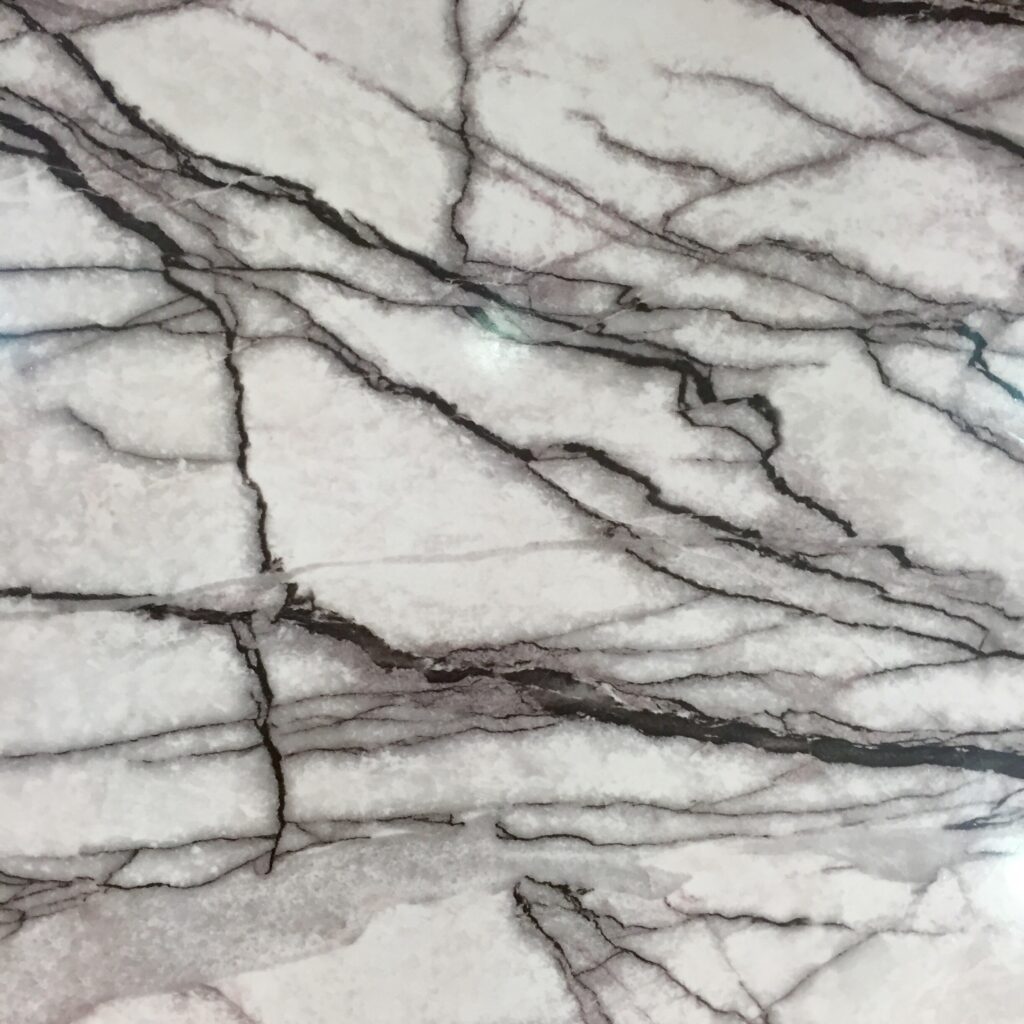
A tiled wall has both. The repeating tiles are a pattern; the glaze, grout and chips are texture. Marble is a useful test: the veins make a strong pattern, but the polished surface has almost no texture at all. Pattern is closely related to symmetry, and the strongest images often layer texture over a pattern.

Natural, Man-made and Abstract Textures
Texture is everywhere, but it helps to think of three kinds:
- Natural textures: rock, bark, sand, moss, leaves, skin, fur. They make landscapes, wildlife and macro photographs feel real. The ripples in a desert or the grain of a cliff face also tell the viewer about scale and conditions.
- Man-made textures: brick, concrete, woven fabric, leather, brushed metal, peeling paint. In architecture and product photography, texture tells a buyer about quality: fine-grained leather looks expensive, and a cheap-looking finish loses the sale.
- Abstract textures: surfaces shot so close or so plainly that you no longer know what they are. The texture becomes the subject.
Why Texture Matters in Your Photographs
Texture does three jobs in a photograph:
- It adds depth. Shadows across a surface give a flat image a sense of three dimensions.
- It triggers memory. A crusty loaf, cold wet stone or a worn wooden handrail can call up a physical memory in the viewer, and with it a feeling.
- It tells the story. Smooth and glossy says new, clean or luxurious. Rough and cracked says age, weather, hard work.
Food photography depends on it. Colour tells you a dish looks good; texture tells you it tastes good. The crunch of a crust, the sheen of a sauce and the seeds on a bagel are all texture.

How to Bring Out Texture: Lighting
Light does almost all the work. Three things control how much texture you see: the angle of the light, how hard it is, and how much fill reaches the shadows. (Study your main light source before you think about anything else.)

1. Use a low, raking angle
Raking light skims across a surface at a low angle, nearly parallel to it. Every tiny ridge casts a long shadow, so texture jumps out. Light from straight behind the camera does the opposite: it fills every hollow and flattens the surface.
- Outdoors: shoot in the first and last hour of sun, when it’s low. A wall or rock face that looks flat at noon comes alive at 5pm.
- Indoors: put one lamp or flash off to the side, roughly level with the surface, and turn the subject until the texture appears.
- Side lighting at around 90° to the camera is the safe starting point. Move the light lower and further round to strengthen the effect.
2. Choose hard or soft light
How hard the light is depends on the size of the source relative to the subject, not on how bright it is.
- Hard light (direct sun, a bare flash, a small lamp) makes crisp shadows. Use it to show off texture: stone, bark, weathered wood, a fitness portrait.
- Soft light (overcast sky, a large softbox, a window with a sheer curtain) makes gentle, graded shadows. Texture is still there, but quieter. That’s why beauty photographers use big, close, diffused sources.
3. Control the fill
Fill light from a reflector, a second light or a bright wall lightens the shadows, and texture fades with them. Want more texture? Take the fill away, or add negative fill: a black card or cloth on the shadow side that soaks up stray light and deepens the shadows.
What about backlighting?
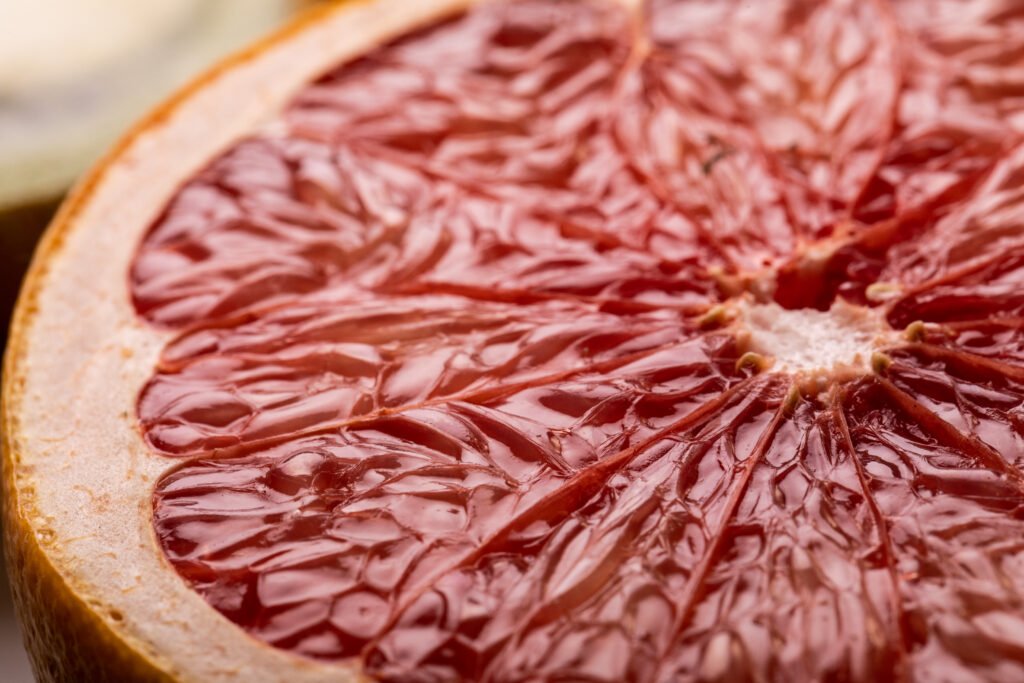
Backlighting puts the light behind the subject, facing the camera. It doesn’t reveal surface texture as well as side light, but it’s excellent for translucent subjects such as leaves, petals, thin fabric and fruit, and it adds a bright rim that separates fuzzy or hairy edges from the background. Backlighting is especially useful in close-up and macro work. On shiny surfaces, also watch the reflected light: a reflection can wipe texture out, or outline it.
Camera and Lens Choices for Texture Photography
You don’t need special gear to photograph texture, but a few choices help.
- Get close. A macro lens shows texture you can’t see with the naked eye: grains of sand, the fibres in paper, the scales on a butterfly wing. Go close enough and the surface turns abstract.
- Pick the right aperture. For a flat surface shot square-on, f/5.6 to f/8 is usually the sharpest your lens will be. Stopping down to f/16 or f/22 gives more depth of field, but diffraction softens the fine detail that texture depends on. Shoot at an angle to the surface with a wide aperture such as f/2.8, and only a thin strip stays sharp. That’s a good way to lead the eye to one textured spot.
- Hold it steady. Fine texture is the first thing camera shake destroys. Use a tripod or a fast shutter speed, and keep ISO low, because noise blurs fine detail. There’s more in how to get more detail in your photographs.
- Shoot raw. Raw files keep the most shadow and highlight information, which gives you more room to shape texture in the edit.
- Consider black and white. Without colour to look at, the eye goes straight to tone and texture. Converting to black and white can turn a busy colour image into a study of surfaces.
Composing With Texture
- Fill the frame. Leave out the edges and anything that explains the context, and the texture becomes the subject.
- Contrast textures. Rough next to smooth makes both stronger: a glossy pebble on coarse sand, a silk scarf on rough-sawn wood, smooth skin against patterned cloth.
- Change your angle. Walk around the subject. Changing your position changes the angle between light, surface and camera, and texture appears and disappears as you move.
- Put texture in the foreground. In a landscape, a textured foreground of rock, grass or ripples gives the eye a way into the picture and adds depth.
- Use selective focus. A shallow depth of field keeps one textured area sharp and lets the rest fall away.

How to Tone Texture Down
Sometimes texture is the enemy: skin in a beauty portrait, dust on a product, a scuffed table top. Reverse the techniques above.
- Light from near the camera axis, so shadows fall behind the subject rather than across the surface.
- Use a large, soft, close light source: a big softbox, an umbrella, open shade or an overcast day.
- Add fill with a reflector to lift the shadows that remain.
- Soften optically. Diffusion filters (once called glamour, soft-focus or glow filters) take the edge off fine detail while keeping the image sharp underneath. Filters like these are rarer now that software does the same job, but some photographers still prefer the look.

Controlling Texture in Post-Processing
Editing software gives you as much control as lighting. Most editors have the same three tools under different names:
- Texture slider (Lightroom and Adobe Camera Raw): affects medium-sized detail such as pores, bark and fabric weave. Push it up to emphasise texture, pull it down to smooth it, without blurring edges.
- Clarity / Structure: raises contrast in the midtones and works at a larger scale than Texture. Great for rock, wood and weathered faces; too much looks crunchy and over-processed. Affinity Photo has Clarity and Detail Refinement in its Develop Persona.
- Local adjustments: a brush or mask lets you add texture to one area and soften another. Smooth the skin, keep the eyes and hair sharp.
For portraits, frequency separation in Photoshop or Affinity Photo splits an image into a texture layer and a colour-and-tone layer, so you can even out blotchy skin without smearing the pores. Use it lightly; skin with no texture looks plastic.

Adding texture overlays
You can also add texture after the shoot. Photographers blend scans of paper, canvas, concrete or grunge onto an image with blend modes such as Overlay or Soft Light, to give it an aged or painterly finish. It’s a stylistic choice rather than a fix, and it works best when the overlay suits the subject.
Texture as the Subject
Sometimes the texture is the photograph. I’ve stopped mid-landscape for the bark of a tree, the foam sliding over wet sand, or a brown leaf on fresh tarmac. At those moments, ask yourself one question: is the texture supporting this picture, or is it the picture?
Some photographers build whole series around one texture: rust, peeling paint, wood grain. That kind of focus trains your eye, and it shows in everything else you shoot. The examples below use the techniques in this guide; look at where the light comes from in each one.
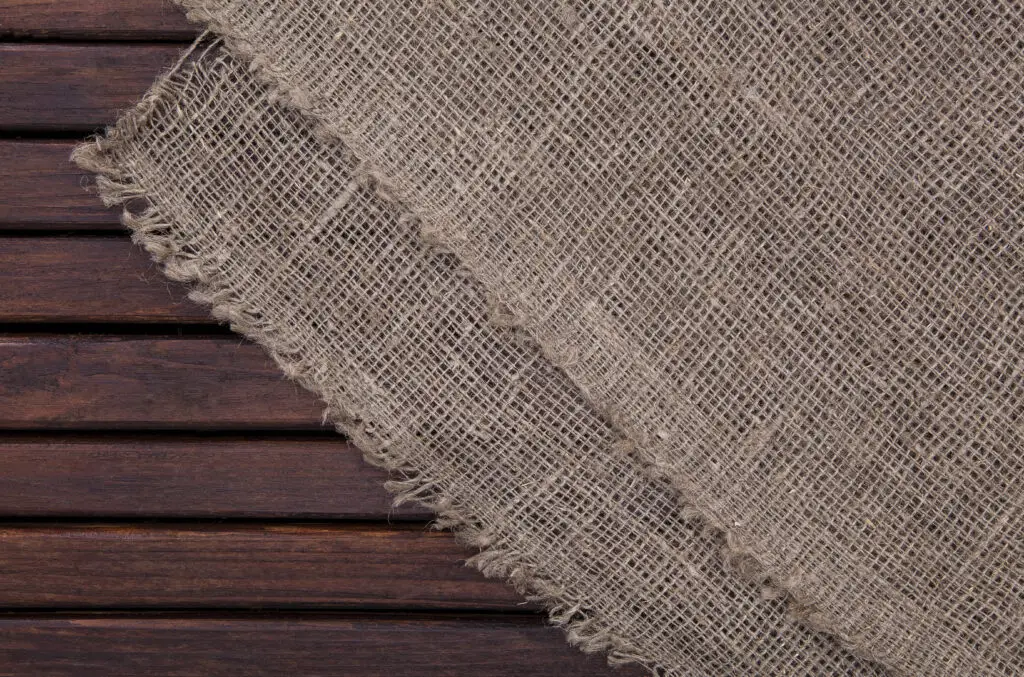
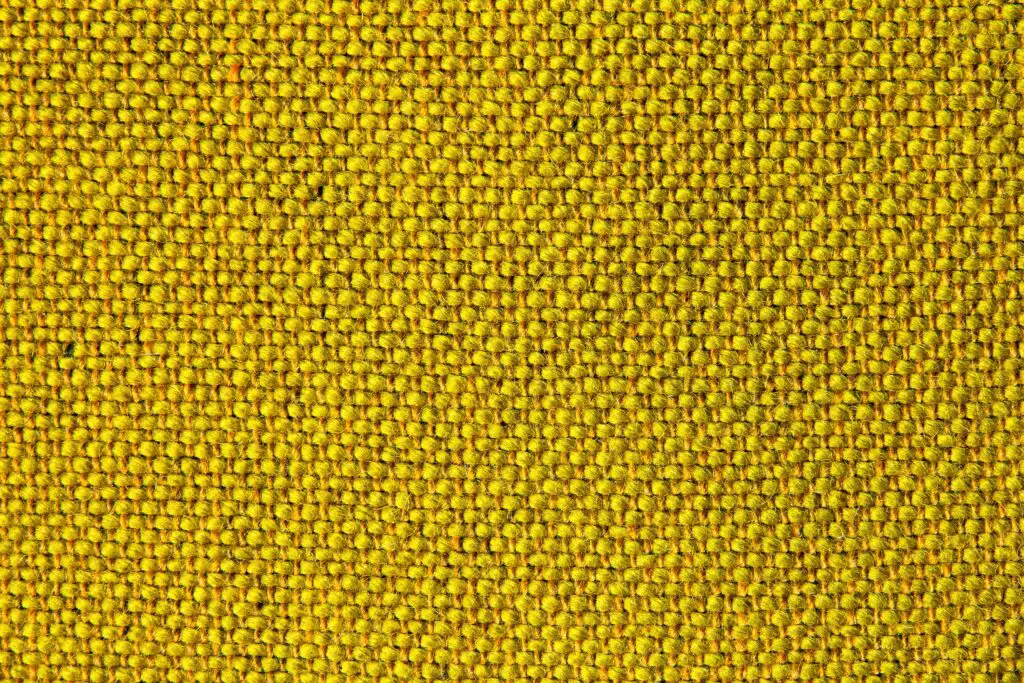

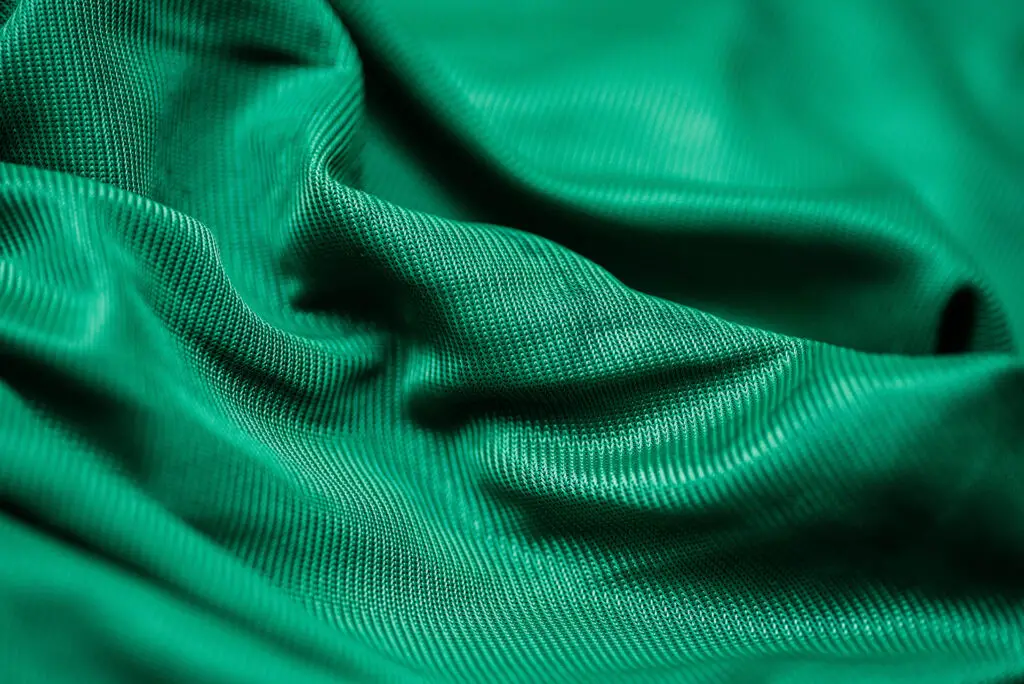
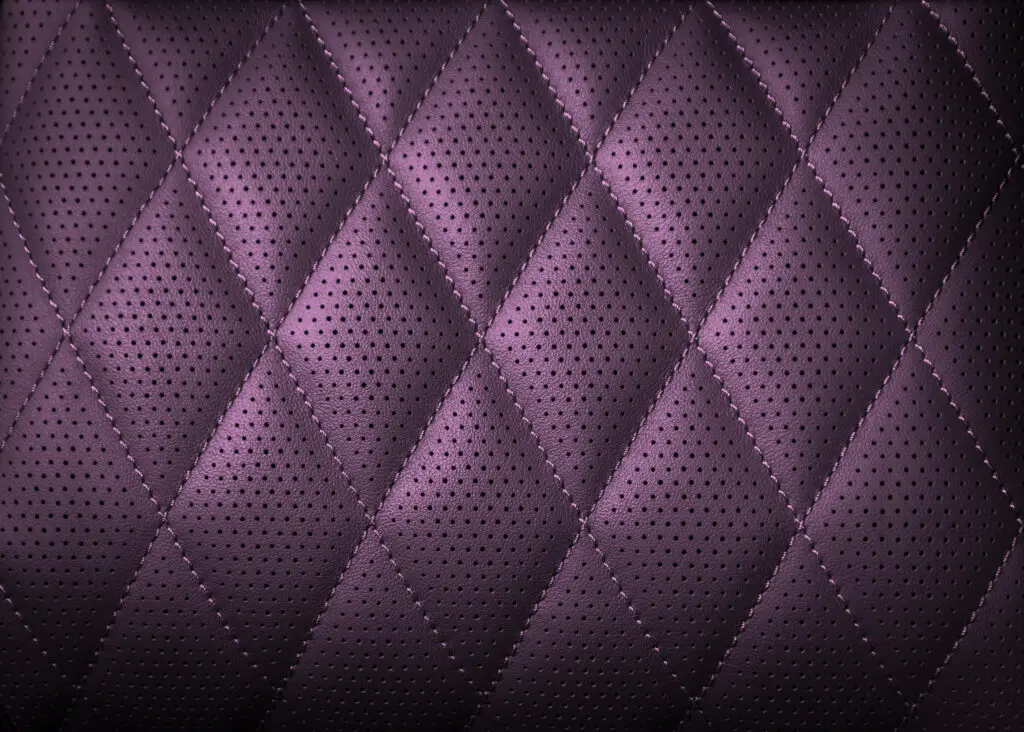
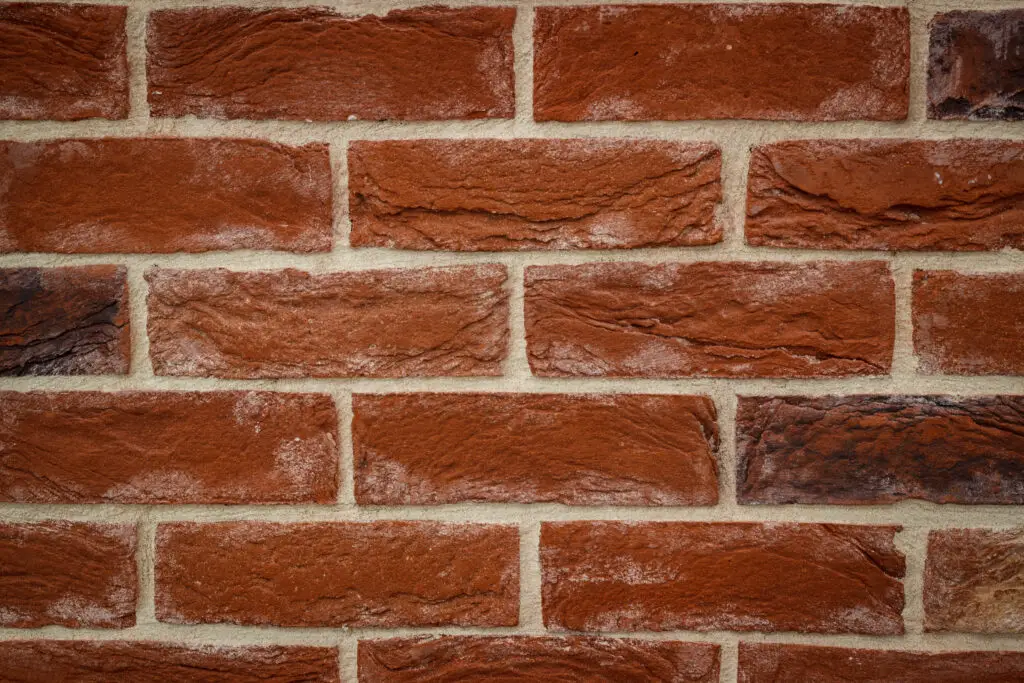
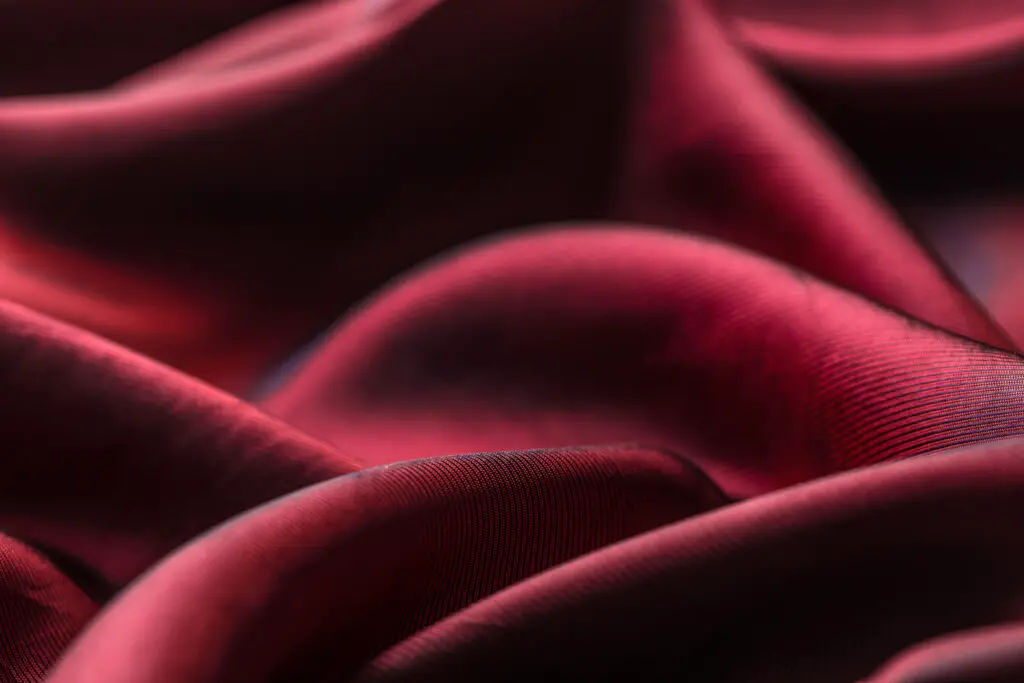
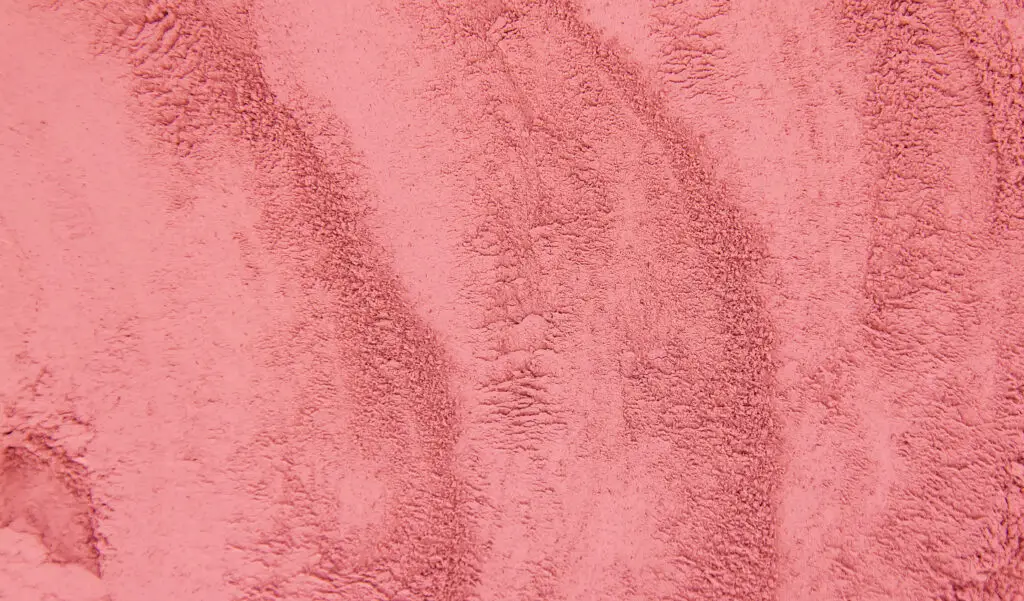
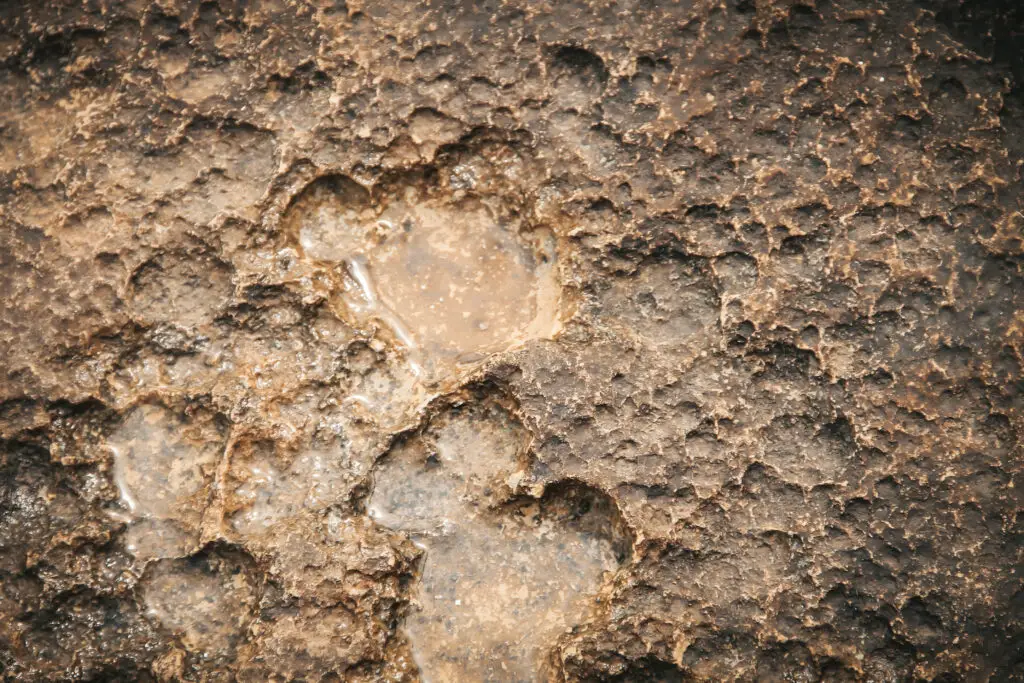
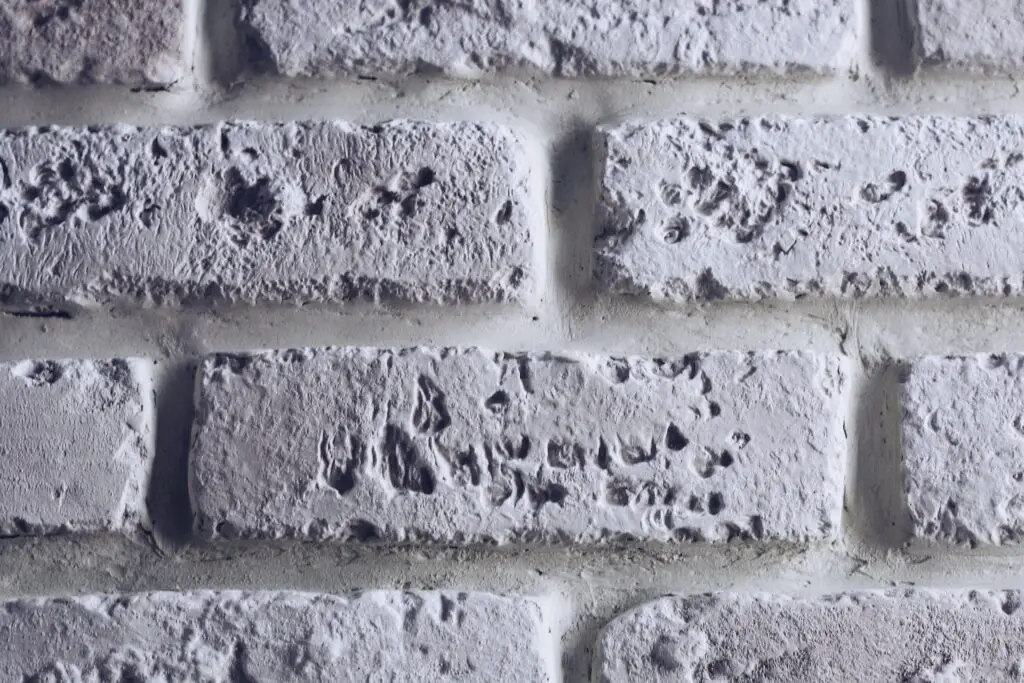
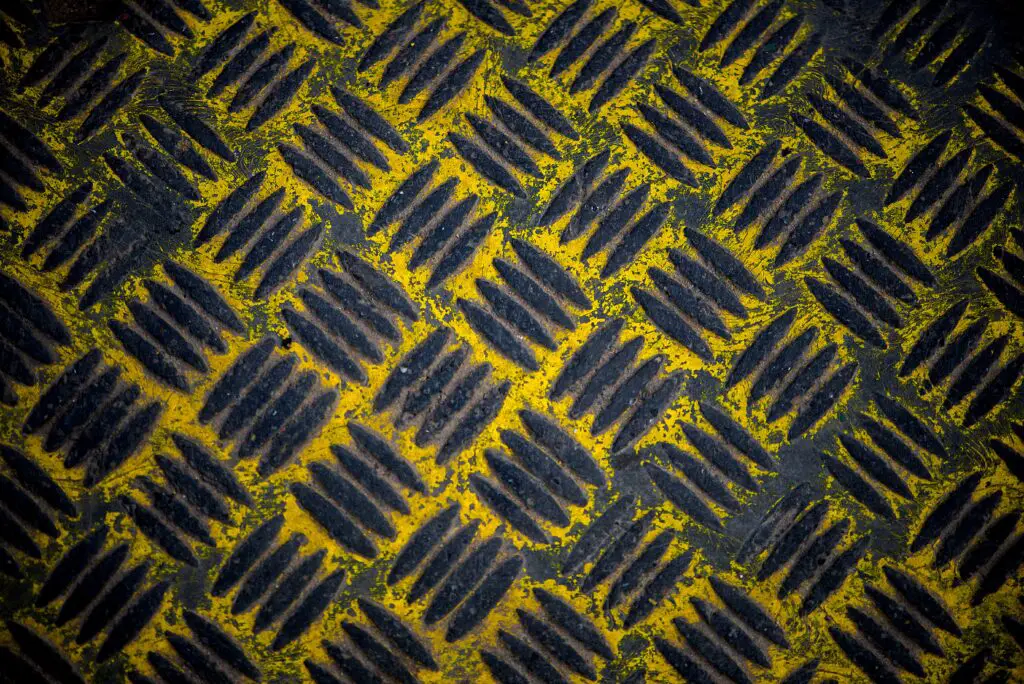
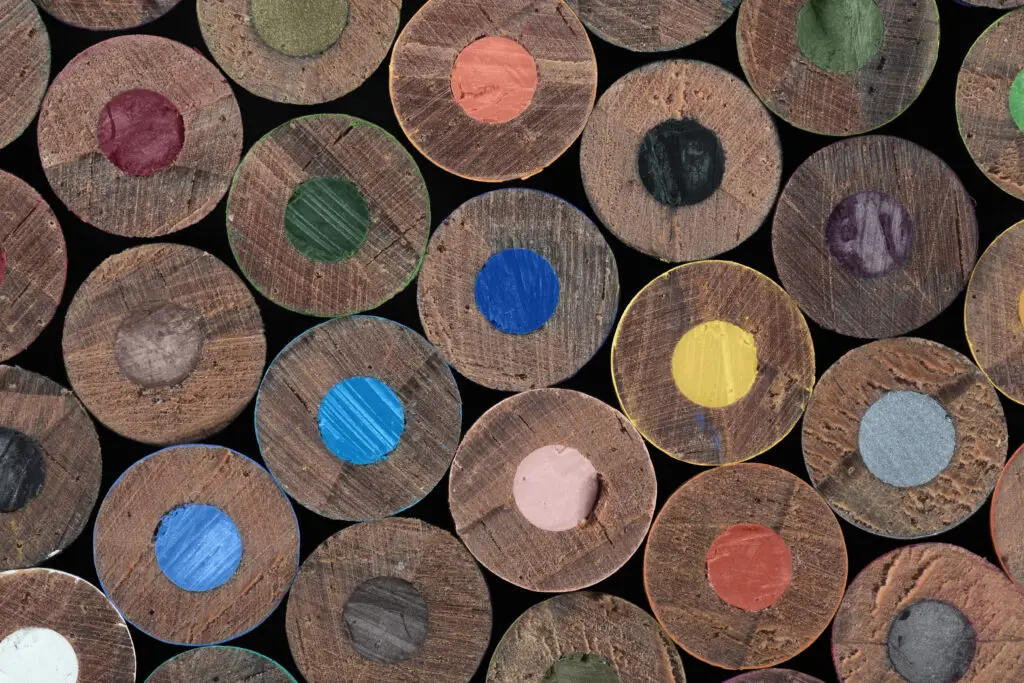
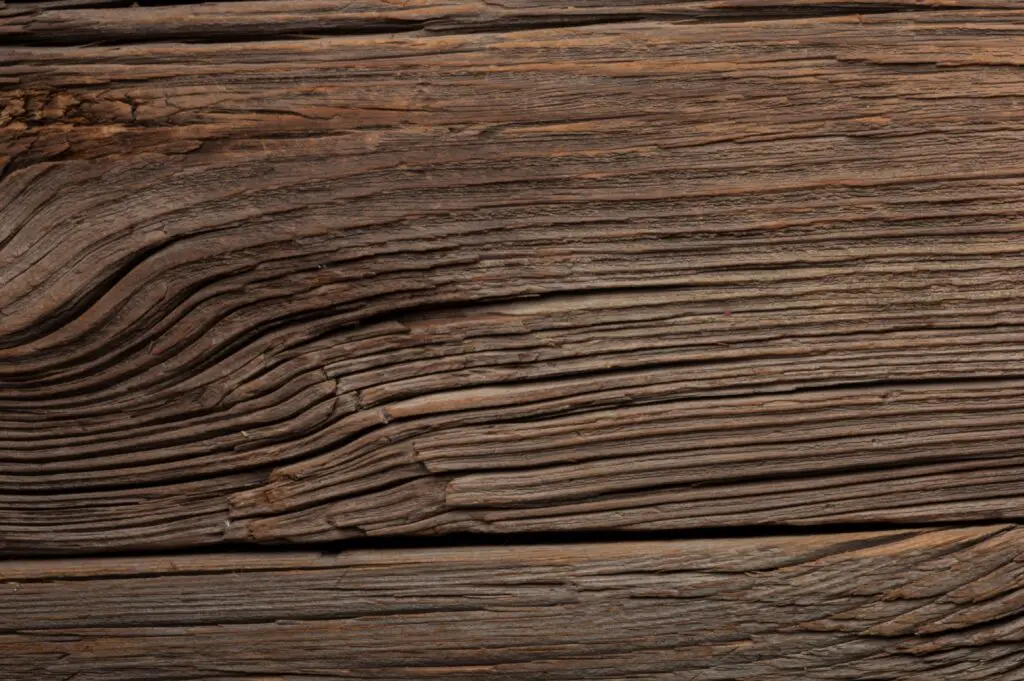


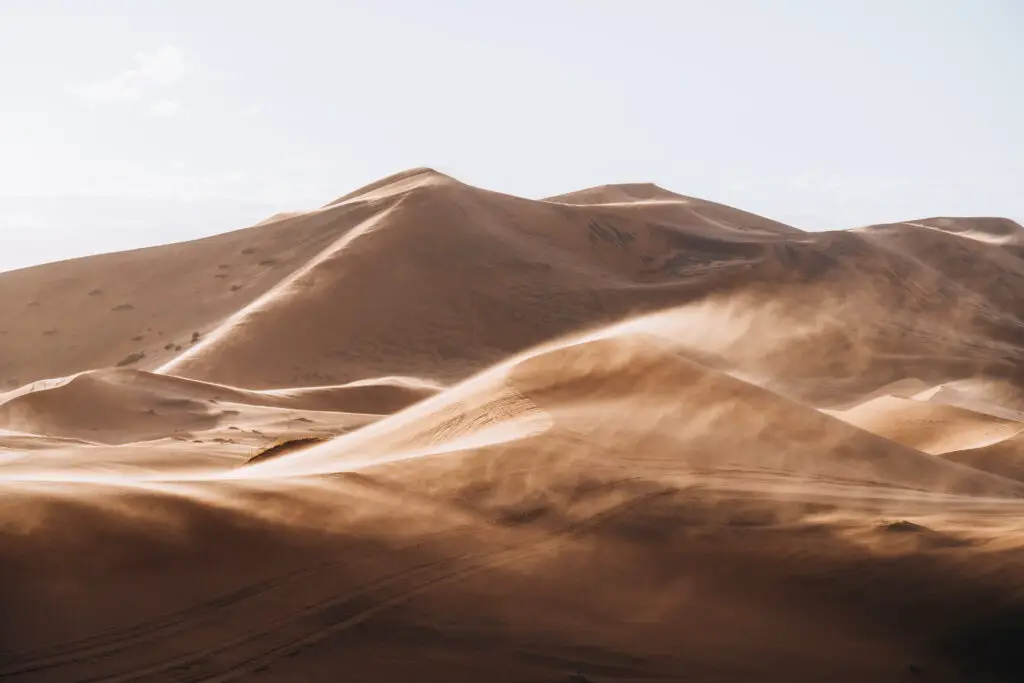
The best way to learn texture is to practise it. Our Photo Projects give you focused exercises; the urban alphabet project, for one, will have you looking closely at the surfaces around you.
Frequently Asked Questions About Texture in Photography
What is texture in photography?
Texture in photography is how an image shows the surface quality of a subject: whether it looks rough, smooth, soft or hard. It is created by light and shadow. Light striking a surface at an angle makes tiny highlights and shadows on every ridge and hollow, and the eye reads them as texture.
What is the best light for photographing texture?
Hard, directional light from a low angle, called raking light, shows texture best. Low morning or evening sun, or a single bare light placed to the side of the subject, makes every ridge cast a shadow. Soft, frontal light does the opposite and smooths texture out.
What is the difference between texture and pattern?
Texture is surface quality, the way something would feel to touch. Pattern is a repeated shape, line or colour across the frame. A brick wall has both: the rows of bricks form a pattern, while the roughness of each brick is texture.
What aperture should I use for texture photography?
For a flat surface photographed straight on, f/5.6 to f/8 usually gives the sharpest detail. Very small apertures such as f/16 or f/22 add depth of field but soften fine detail through diffraction. Use a wide aperture when you want only one small textured area in focus.
How do I bring out texture in Lightroom?
Use the Texture slider in the Basic panel to strengthen medium-sized detail, and the Clarity slider for broader midtone contrast. Apply them with a brush or mask when only part of the image needs more texture. Increase them gradually, because too much makes a photograph look harsh and over-processed.
How do you reduce skin texture in portraits?
Light the face with a large, soft source close to the camera axis, and use a reflector to fill the shadows. In editing, lower the Texture slider on the skin only, or use frequency separation to even out tone while keeping natural pores. Keep the effect subtle so the skin still looks real.
Key Takeaways
- Texture in photography is made of shadow: no shadow, no texture.
- Low, hard, raking light brings texture out; large, soft, frontal light tones it down.
- Fill light reduces texture; negative fill increases it.
- f/5.6 to f/8, a steady camera and low ISO keep fine texture sharp.
- In the edit, the Texture and Clarity sliders and local masks give you precise control.
What’s the best texture you’ve photographed? Tell us how you lit it.
Further Reading
- The Elements of Art: Texture - National Gallery of Art
- What is a Texture? | Human Texture Perception - Dongxiao Zhou
- Basic Art Element - Texture - Teresa Bernard
- Texture in Visual Arts - Wikipedia
Image Source: Envato
Related Posts

PPI, DPI, and LPI: What Actually Decides Print Sharpness
If you have ever sent a photo off to print and felt a small knot of worry that it might come out soft or blurry because you got the settings wrong, then you have probably bumped into these acronyms. PPI. DPI. LPI. Ask…

How Can I Get Better at Photography?
Learn how to get better at photography with clearly defined steps. This is a definitive guide to improve your photography written by experts.

How Can I Use DMF on My Sony Alpha Camera?
In Sony Cameras, Direct Manual Focus (DMF) is a hybrid of auto and manual focus modes. It's incredibly useful for quick, but nuanced focus control.

The Camera Platform Debate: Canon Vs Nikon
Is the best camera platform Canon, Nikon or Sony? This discussion goes a little into the history of these cameras and analyses each system's strong points.
2 Comments
Comments are closed.
Marien Cartel
Great article on the importance of texture in photography! I particularly appreciated the emphasis on the role of texture in evoking emotion and conveying sensory information to the viewer. It's clear that understanding and effectively using texture is key to creating compelling and authentic photographs. The tips on equipment selection and the examples provided were also helpful in illustrating the points made. Well done!
Susheel Chandradhas
Thanks, Marien Cartel... I appreciate your comment.